



 Full Games List
 Featured Games
 New Games
 Reviews
 Media
Media Images
 Blogs
Blogs Game Updates
 Images Feedback Summary
 Game Design Highlights
 Tutorials
 Articles
 Scripts
 Utilities / Plugins
 Resources
 Engines
 Engine Bulletins
 What is Makerscore?
 Past Events
 Achievements
 Misaos
 Forums
 Post History
 Chat
Chat New to RMN?
 Full Store List
 RMN Music Pack (free)



[ACE] HELP INSTALLING YANFLY'SC SCRIPTS
Posts
Pages:
1

 TheGiantHand
 View playlists
 Close
CloseHi, I am trying to put together a fangame version of Legend of Zelda featuring a male Gerudo hero. I have downloaded and pasted all of YF's VX Ace Scripts into the editor where it saids to and I can't see any results. Is there something I am missing? I am using a cracked version of Ace a friend on the net gave me, though I don't know if that would have anything to do with it. If anyone can help me I would greatly appreciate it, thank you. :)
User was warned for this post

author=TheGiantHand
Hi, I am trying to put together a fangame version of Legend of Zelda featuring a male Gerudo hero. I have downloaded and pasted all of YF's VX Ace Scripts into the editor where it saids to and I can't see any results. Is there something I am missing? I am using a cracked version of Ace a friend on the net gave me, though I don't know if that would have anything to do with it. If anyone can help me I would greatly appreciate it, thank you. :)
Wait using a "Cracked Version"... BAN HIM?
@jomarcenter, :EEK: I don't want any problems, but I was just wanting to get scripts working for a game idea I had. I striked out the last part.... :begs for mercy:
@ARGM, I put it under material above main. and also tried putting them in modules, before putting them back in materials. I copied everything abov the warning segment, including the descriptive texts.
@ARGM, I put it under material above main. and also tried putting them in modules, before putting them back in materials. I copied everything abov the warning segment, including the descriptive texts.

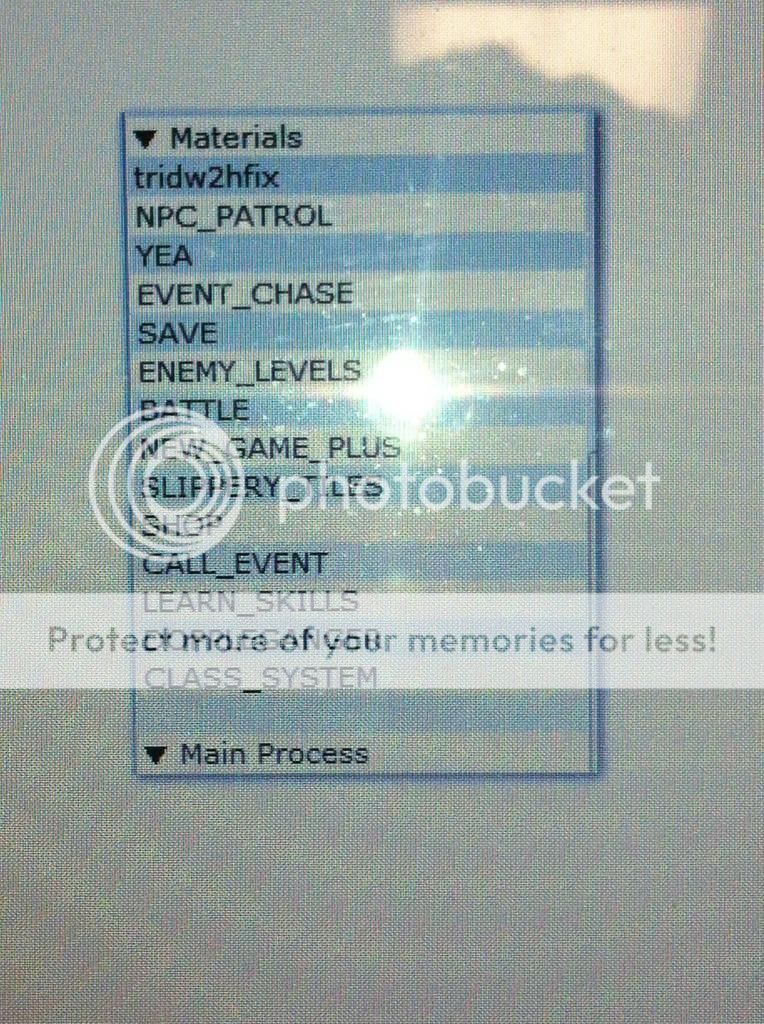
Is it supposed to before Main Process or under it but above the Main tag below it? Also if it makes a difference I included all the descriptive text as well as the coding.
That doesn't even look like RMVXA's script editor. What's all that white space around it? Where's the actual script editor? This is what it should look like (I have no idea what the video content is, I don't have sound at work). Getting the script to work is as easy as copy+pasting the script into the script editor above the script labeled "Main" and below "Materials". Check this out, it should be more indepth of how to add scripts than what I can say.
Also please don't take a photo of your computer monitor. You can hit the Print Screen button on your keyboard (it's 99% of the time in the upper right, to the right of F12 and above the Home/End/PageUp/PageDown keys. Hit that key and Windows will copy an image of your screen to the clipboard. Open up an image editor like Paint and go to Edit->Paste to put what is in your clipboard (your screen) to the image. It will look a lot better than a photo of your monitor.
Also please don't take a photo of your computer monitor. You can hit the Print Screen button on your keyboard (it's 99% of the time in the upper right, to the right of F12 and above the Home/End/PageUp/PageDown keys. Hit that key and Windows will copy an image of your screen to the clipboard. Open up an image editor like Paint and go to Edit->Paste to put what is in your clipboard (your screen) to the image. It will look a lot better than a photo of your monitor.
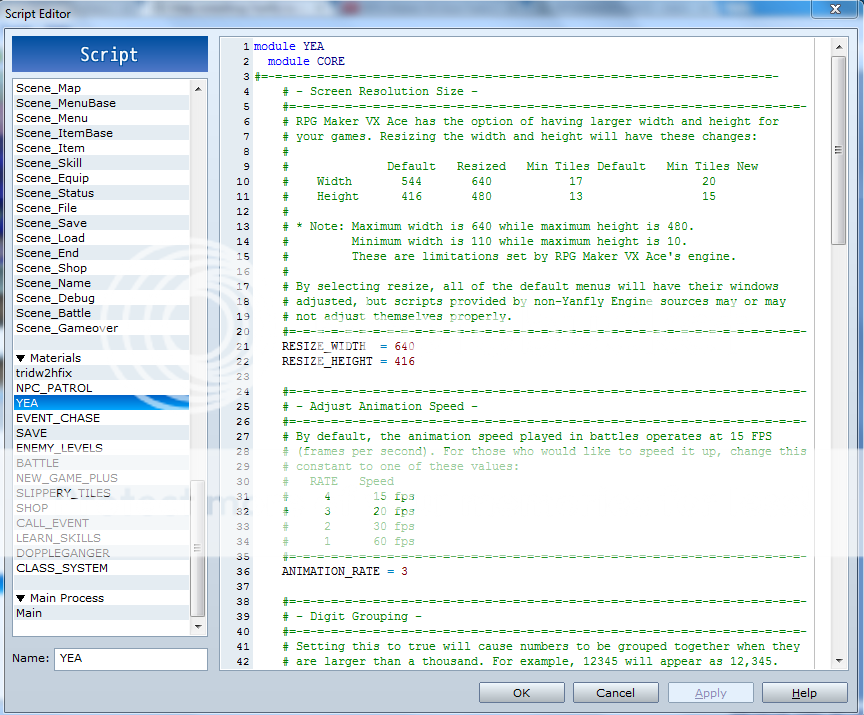
That should do the trick (also looks a lot better). The only things I can think of is that you are trying to do a test battle without saving the project after adding the scripts or the important part of the main process
Is moved to be above your scripts. Here's a quick test that you can do: Open the script editor and go to Main and make it so it looks like this:
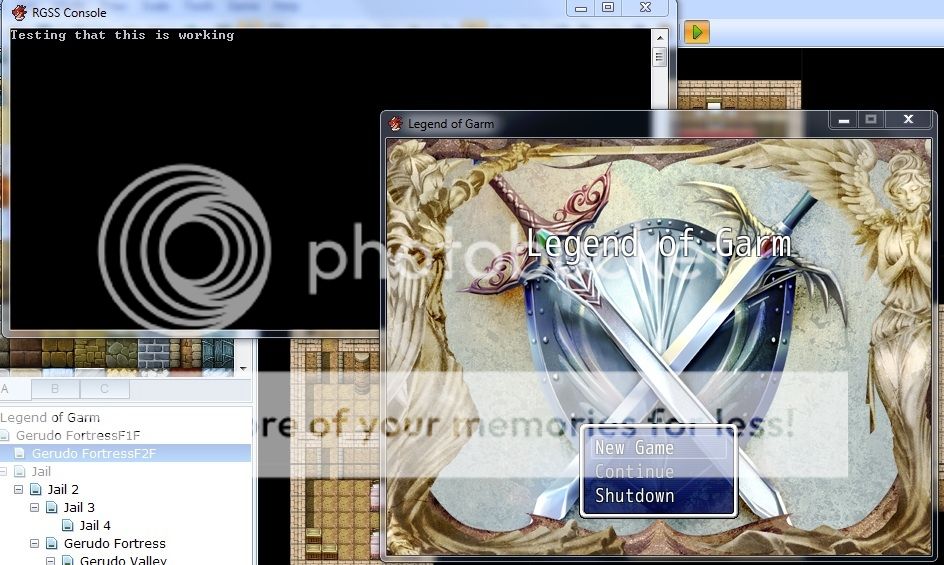
Then go to the game menu on the top and check 'Display Console'. Save and test play your game. Along with your game window a second window should pop up with a black background. This is the console window. It should say "Testing that this is working" once your game starts.
If it does say that then the scripts should be working but I don't know why. If it doesn't then for some reason your game is for some reason ignoring what's in the script editor. Let me know the results and I'll think what the problem might be.
rgss_main { SceneManager.run }
Is moved to be above your scripts. Here's a quick test that you can do: Open the script editor and go to Main and make it so it looks like this:
print "Testing that this is working"

rgss_main  { SceneManager.run }
Then go to the game menu on the top and check 'Display Console'. Save and test play your game. Along with your game window a second window should pop up with a black background. This is the console window. It should say "Testing that this is working" once your game starts.
If it does say that then the scripts should be working but I don't know why. If it doesn't then for some reason your game is for some reason ignoring what's in the script editor. Let me know the results and I'll think what the problem might be.
I see the testing message pop up in console but the battle engine doesnt seem to be working. It appears to be the same as te default appearance without showin my characters face or any popups. I havent tried testing the other ones yet.

How about trying a legit copy of Ace and seeing if that helps. We can only speculate on what you're doing wrong with a script when it comes to a legal version. If you're using a cracked version, though, it could be a number of issues you're having.
Do you mind uploading your game to your locker and PM'ing me a link? I'm curious what is going on. Please don't include the music to keep the file size down.

Wait, at least tell us what don't work ?
I mean your rpg maker doesn't show any error message.
So what make you thinks that the scripts don't work ?
I mean your rpg maker doesn't show any error message.
So what make you thinks that the scripts don't work ?
Pages:
1

