



 Full Games List
 Featured Games
 New Games
 Reviews
 Media
Media Images
 Blogs
Blogs Game Updates
 Images Feedback Summary
 Game Design Highlights
 Tutorials
 Articles
 Scripts
 Utilities / Plugins
 Resources
 Engines
 Engine Bulletins
 What is Makerscore?
 Past Events
 Achievements
 Misaos
 Forums
 Post History
 Chat
Chat New to RMN?
 Full Store List
 RMN Music Pack (free)



HELP WITH TILESETS IN VX ACE
Posts
Pages:
1
 MaoHouseAve
 View playlists
 Close
CloseHello, I'm sorry, I am new to this and my last forum I cannot find. I previously had problems with transparency in tilesets(I am making my own from scratch in firealpaca and am not finished, I have only made the wall and a window). I have tried events, they are too complicated to use and clutter up the important events, plus the doubling of putting a desk, and a lamp does not work. I have tried exporting the A tileset files from the resource manager and just using the dimensions there, testing the size, but making a window for a wall still doesn't work unless I make the background tileset of the window the same color of the wall. I have the trial and will be buying it pretty soon, I do not know if there are restrictions on the trial, but nothing's seemed to work. I will apply photos to show what I'm seeing. I don't mind making new field types, it's actually what I planned to do to keep each map in it's own category, but I have yet to find a solution to my problem. Any help is immensely appreciated. Thank you for your time.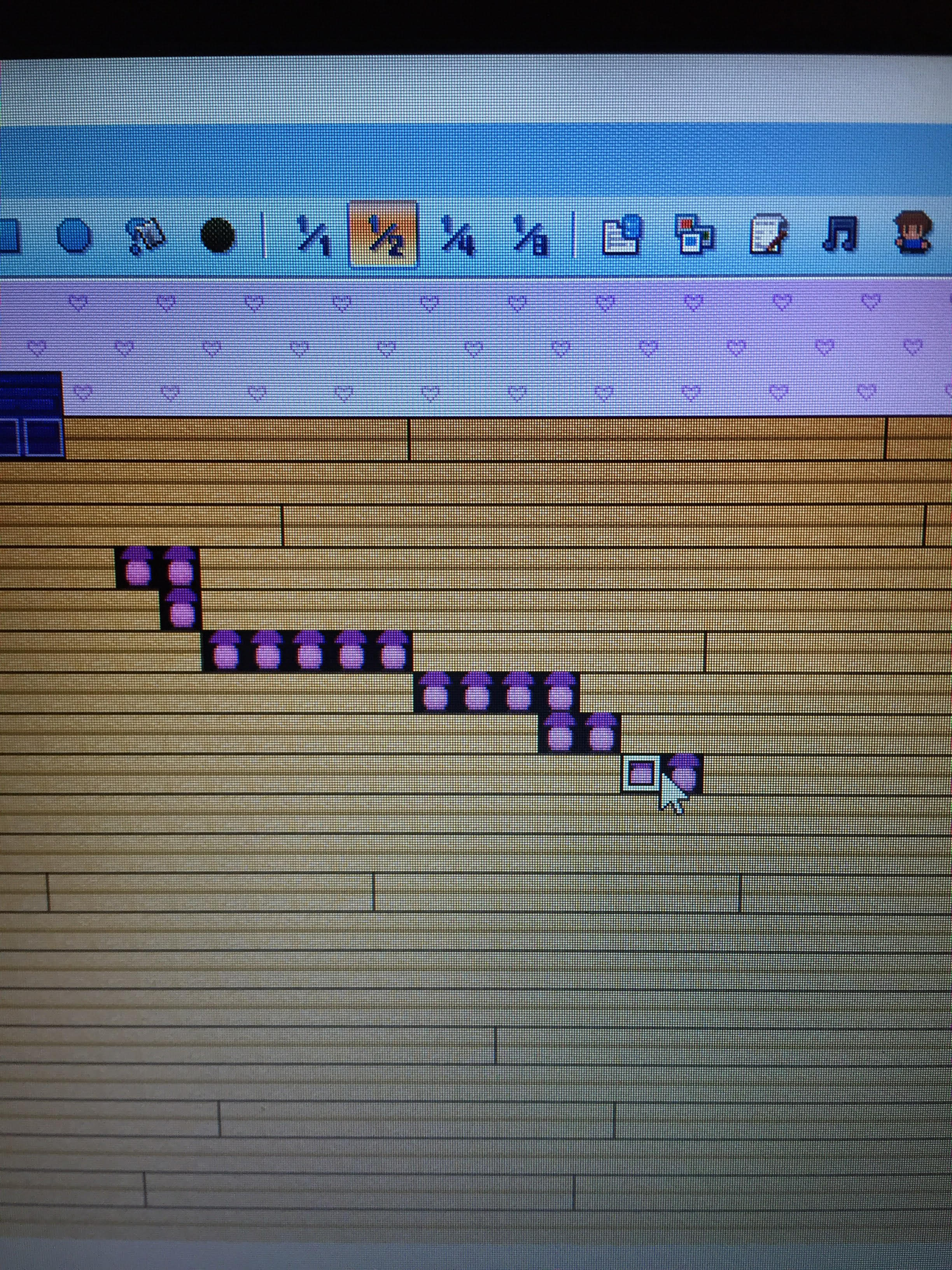



These... aren't the best screencaptures for us help you with. If you want to show whats on your screen hit Prt Scrn on your keyboard, then go Paint and hit "paste" then save as. (if you hold down alt while hitting prtscrn it'll screencapture just the active window so it's not your ENTIRE screen).
As for your problem I'm pretty sure the "B to E" tileset is what allows for transparency. So in Database > Tilesets you look to the left hand side and change what's under something like B:
Been awhile since I've used VXAce though.
As for your problem I'm pretty sure the "B to E" tileset is what allows for transparency. So in Database > Tilesets you look to the left hand side and change what's under something like B:
Been awhile since I've used VXAce though.
Pages:
1

