



 Full Games List
 Featured Games
 New Games
 Reviews
 Media
Media Images
 Blogs
Blogs Game Updates
 Images Feedback Summary
 Game Design Highlights
 Tutorials
 Articles
 Scripts
 Utilities / Plugins
 Resources
 Engines
 Engine Bulletins
 What is Makerscore?
 Past Events
 Achievements
 Misaos
 Forums
 Post History
 Chat
Chat New to RMN?
 Full Store List
 RMN Music Pack (free)



GOT A SMALL PROBLEM
Posts
Pages:
1
 Swiftcricket
 View playlists
 Close
CloseI have RPG Maker 2000 and for some reason my text won't show up, it lets me select the options but I just can't see them. I just got this today so I'm still trying to get the hang of things lol. It also does this on the sample game that came with it.
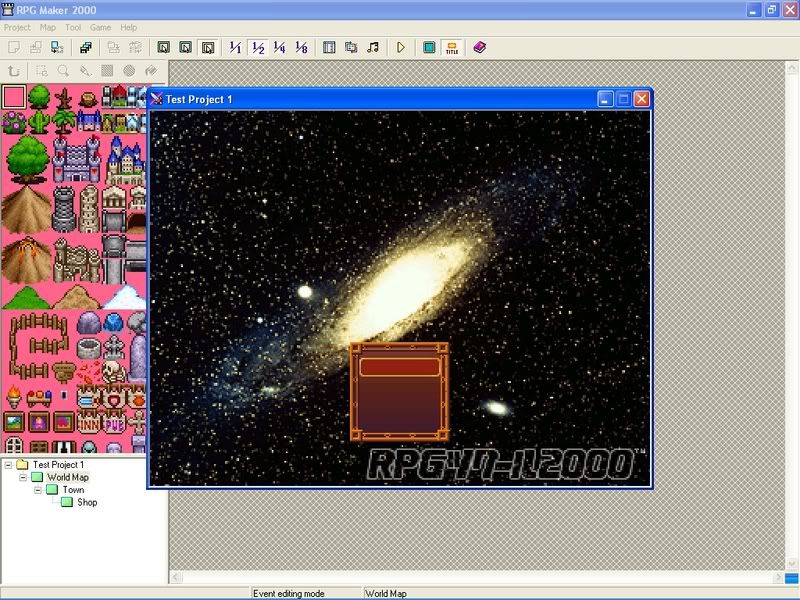

I am not sure exactly how it looks, but I know that there should be a file for text. It could be with the system graphic...
Send a pic of the system graphic.
Send a pic of the system graphic.
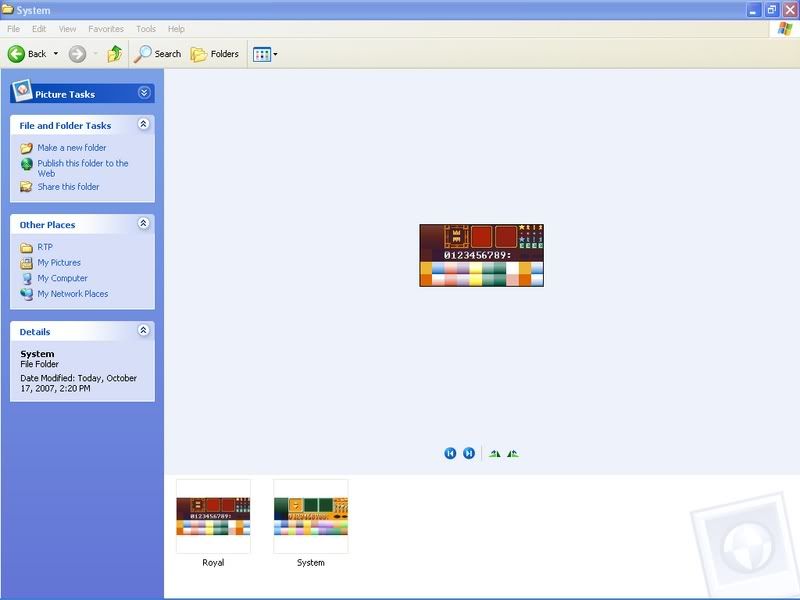
yeah.... hmm.... looks fine.....
...................................
okay, this probably will not fix it, but it can't hurt to try...
On the database, under system, where you choose the system graphic. what does it say for the text font? Play around with that and see if anything changes...
I'll see if I can find another possibility.
...................................
okay, this probably will not fix it, but it can't hurt to try...
On the database, under system, where you choose the system graphic. what does it say for the text font? Play around with that and see if anything changes...
I'll see if I can find another possibility.
Okay, I bet I found it this time. Go to vocabulary, tab 5. Check the top right, under command and new game. There will be three boxes. If they say "Start" "Load" and "END", then that's good. If they are blank, there's your problem.
I already checked that it's fine, and it's not limited to the title screen either, if I talk to a merchant it does the same thing, but every single box in the vocabulary is filled.
That's all I can think of.....
where did you download RM2k from? I've heard some sites don't gve all you need.
where did you download RM2k from? I've heard some sites don't gve all you need.
Crankeye. I downloaded it there, and got all of it.
http://www.crankeye.com/index.php?page=downloads
Go to the RM2k RTP 1.32. I did this just this evening, and it works. If THIS doesn't work, then try the text patch they have. That's all I can think of!
http://www.crankeye.com/index.php?page=downloads
Go to the RM2k RTP 1.32. I did this just this evening, and it works. If THIS doesn't work, then try the text patch they have. That's all I can think of!
Pages:
1

